Getting around Korea, from preparation to your destination
Prepare your payment and transport card with WOWPASS, then find metro information for the city you are visiting. You can also continue to airport-to-city transfers and journeys to other cities here.
Payment and transport card for Korea
One WOWPASS for shopping and metro journeys
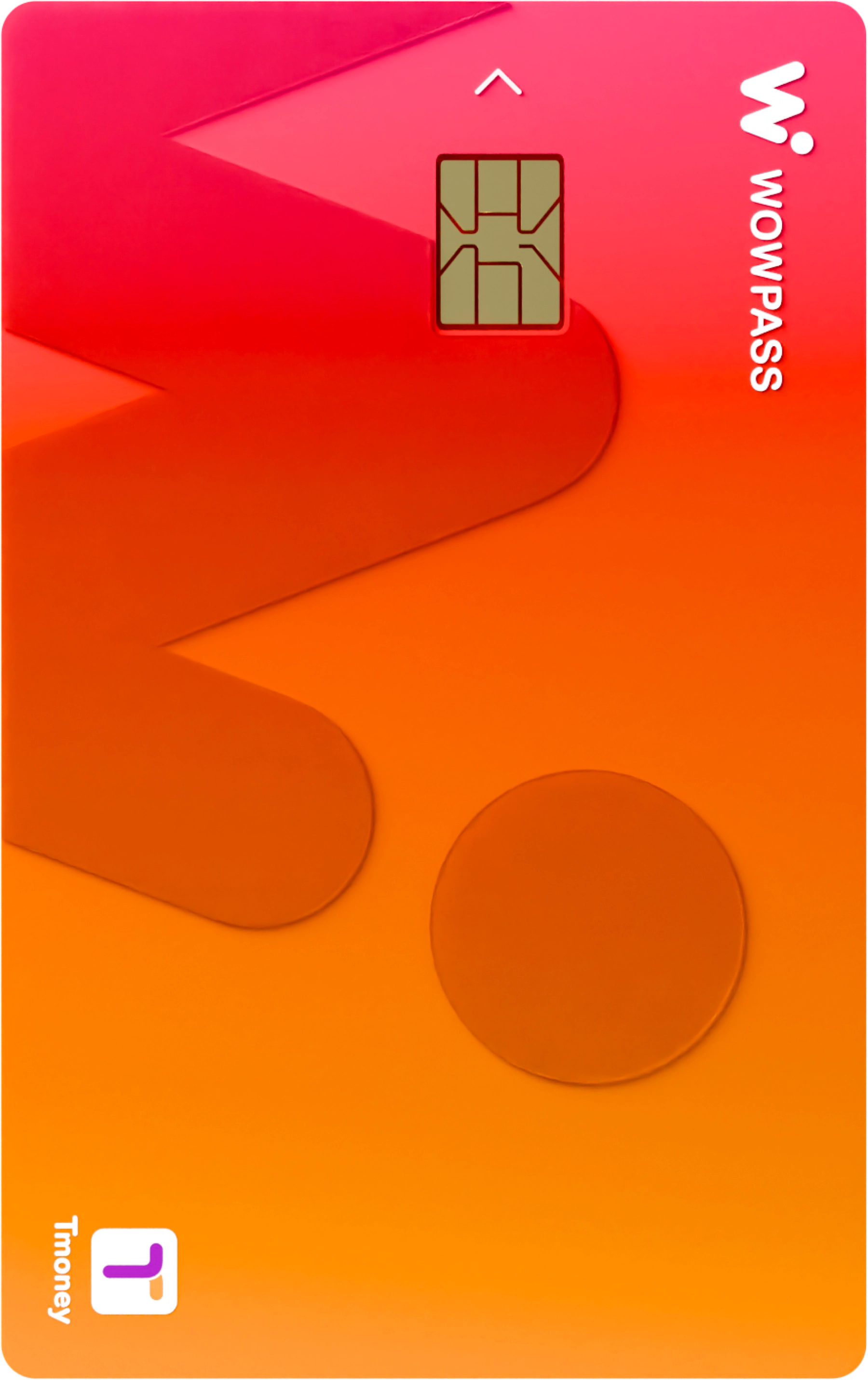
WOWPASS is a prepaid card for foreign visitors travelling in Korea. Use its topped-up balance for shop payments, and its built-in Tmoney function on metros and buses.
The payment balance and Tmoney balance are separate. Once you have your card, top up the transport balance before travelling too.
For Incheon metro journeys, find your station and direction on Incheon Transit’s website. Journeys starting at the airport are covered separately in the airport guide above.
Choose your Busan stations in Cyber Station. Select the origin and destination to see how lines connect, then check the interchange station and train direction.
For Daegu, the link opens Daegu Transportation Corporation’s urban rail guide. Find your station and line, then check the departure direction and return train times before boarding.
Find your station on Daejeon Transportation Corporation’s route map. If you need a bus or a walk from the station to your destination, use the map directions below as well.
Find your departure and arrival stations in Gwangju Transportation Corporation’s Cyber Station. Check the station timetable, then use a map for the onward route after getting off.
Guides currently cover Seoul, Incheon, Busan, Daegu, Daejeon and Gwangju. For destinations in connected areas such as Gyeonggi, enter your starting point and destination in the map below.
TO THE NEXT CITY
KTX and SRT for your next city
Choose your departure station, arrival station and travel date to search for trains.
02 / Between cities
KTX
KTX and other trains
Search Korail for trains and departure times on your route. When choosing a ticket, check both the train name and the actual departure station.
Enter the name of the place or accommodation you want to visit. Set your starting point on the map and select public transport to find routes using buses and metros.
For example: Gyeongbokgung Palace, Busan Station or your accommodation
In Naver Map, select a place from the search results, then tap Directions. The Naver Map app supports English, Japanese and Chinese; the web and app display languages may differ.
Yes, using its built-in Tmoney function. The shop payment balance and Tmoney balance are managed separately, so check Tmoney before boarding. The WOWPASS guide explains getting a card and topping up.
Where can I find a route combining buses and metros?
Open Naver Map or Google Maps from map directions, enter the starting point and destination, and select public transport. In Naver Map, search for the destination first, then select Directions. Routes and journey times may vary with the service and time of your search.
Where can I find airport-to-city directions?
Select Airport transfers to open the airport guides. Choose your arrival airport for transport options into the city and the transfer steps.