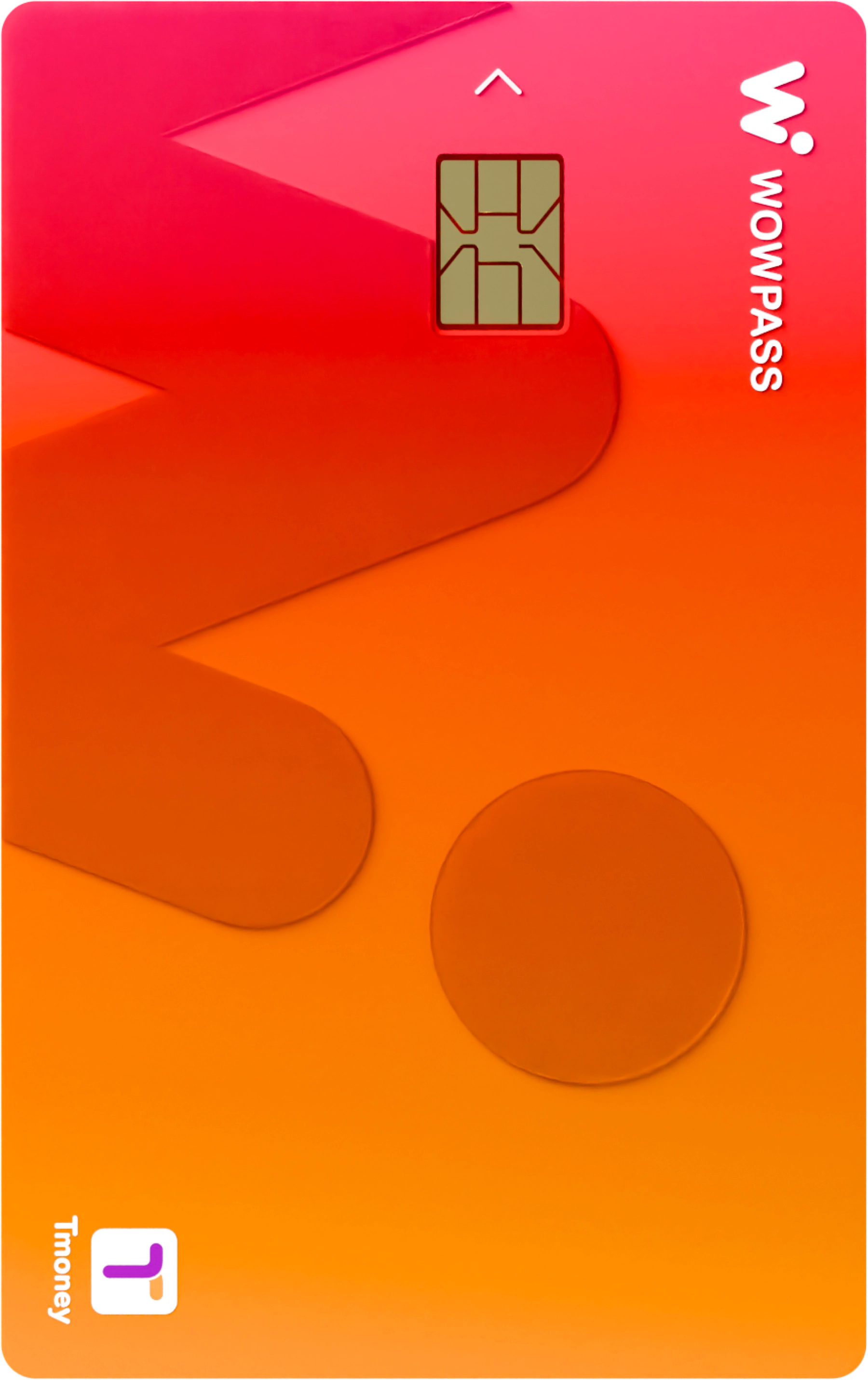
WOWPASS · Payment and transport card for travel in Korea
How to use WOWPASS and collect your card at the airport
Text and commentary: KoreaLiveNow
If you want a payment card and transport card for Korea in one, consider WOWPASS. This rechargeable prepaid card is for foreign visitors: use it for card payments at restaurants and shops, and its built-in Tmoney function on metros and buses.
It is one card, but the payment balance and Tmoney balance are separate. Collecting the card at the airport does not automatically mean it has transport credit. First check the credit included in your booking and the two balances shown in the app.
The official booking product is described as unavailable to Korean passport holders. This restriction also applies when reading the Korean page. If you are preparing a trip for foreign family or friends visiting Korea, use the passport and mobile phone of the person who will use the card.
You need a passport to register the card in the app, and can register one card per passport. If you booked an airport package, also bring the voucher to show at collection. For designated CU collection products, show staff the barcode you received after purchase.
This is the money used for card payments at restaurants, cafés and shops. For ordinary payments, the guide says to insert the card’s IC chip into the terminal. You can check the remaining payment balance in the WOWPASS app.
Use the Tmoney balance on metros and buses
Tap the card on the transport reader and the fare is deducted from Tmoney. A payment balance does not let you travel if Tmoney is insufficient, so check it separately before leaving the airport for the city.
You can top up Tmoney with Korean won cash at metro stations or convenience stores. In the NFC-enabled WOWPASS app, you can also transfer money from the payment balance to Tmoney. After topping up in the app, make sure it appears in Tmoney before heading to the platform.
Choose a card-only option or a package with mobile service
Collect a card at a designated CU
Show staff your barcode to collect the card at designated CU stores in Incheon and Gimhae airports. The booking price checked on the official page was KRW 5,500, with Tmoney topped up separately. This product cannot be collected at every airport CU.
After collection, have your passport ready and register the card in the app. This product can be collected up to 90 days from purchase and cannot be cancelled or refunded after purchase. It is best to decide your arrival airport and terminal before buying.
Collect an airport package at an SKT roaming centre
This suits travellers who want transport credit and mobile service for Korea together. The official package starts from KRW 29,400 and includes a card, KRW 10,000 in Tmoney credit and an eSIM or USIM plan from three days. The price varies with the mobile service period and additional options.
Present your passport and voucher at an SKT roaming centre to collect this package. Its collection points differ from the CU card-only product. AREX Express tickets and preloaded WOWPASS payment credit are optional, so review your booking rather than assuming they are all included.
You can also get a card from a WOWPASS machine in the city, such as at a hotel, metro station or convenience store. This is a different booking method from staff collection at the airport. If you need the card on arrival, compare collection-point opening hours with your flight’s arrival time.
Price and package checked · These are not the standard walk-in issuance price or a common price for all products. Check the final amount and cancellation terms on the official payment screen.
Arriving on an international flight
Go to the collection point for your airport and terminal
The official airport package collection guide lists five airports: Incheon, Gimpo, Gimhae, Daegu and Jeju. Incheon Terminal 1 and Terminal 2 are listed separately. The SKT roaming centres below are for packages with mobile service; the CU stores are designated points for the card collection product. Read your voucher’s collection method first so you do not go to a point for a different product.
All opening hours are in Korean time. Allow time after landing for immigration and baggage collection. If arriving late at night, check whether you can reach the counter before it closes; if your flight is delayed, recheck the collection point’s hours.
ICN T1
Incheon Airport Terminal 1
Package with mobile service · SKT roaming centre
SKT roaming centre near Door 2, arrivals hall, floor 1Daily 06:00–22:00
SKT roaming centre near Door 12, arrivals hall, floor 1Open 24 hours daily
Card collection product · Designated CU
Designated CU in the arrivals hall, floor 1 Open 24 hours daily
An airport having international flights does not mean it has a collection point. If you arrive at an airport outside this list, do not book on the assumption that you can collect the same product there. First review the arrival location and collection method on the official card booking page (Korean-language page) before booking.
Register your card and top up each balance as needed
Have your card and passport ready, then register in the app. Cards collected at designated CU stores also need app registration. You can see the card balance and payment history in the app.
Top up the payment balance for shops. At WOWPASS machines, you can top up with supported foreign-currency or Korean won cash, or a credit card. In the app, you can use supported overseas credit cards and mobile payment methods. Check the exchange rate and supported methods on screen just before topping up.
Check the Tmoney balance for transport separately. Check whether your product includes transport credit, as an airport package does. If it is insufficient, top up in the app, at a metro station or at a convenience store. Tap the card on the transport reader when using metros and buses.
Check both remaining balances before leaving Korea
WOWPASS payment and Tmoney refunds are handled separately. The official guide lists WOWPASS machine withdrawals of the payment balance in Korean won at up to KRW 100,000 per withdrawal, with a KRW 1,000 fee each time. Restrictions depend on the top-up method, so check the withdrawable amount and conditions in the app.
WOWPASS withdrawals are paid in Korean won cash; coins below KRW 1,000 cannot be withdrawn. The machine does not withdraw Tmoney at the same time. Tmoney’s refund fee is KRW 500, and the official guide lists the following refund points by remaining balance.
Up to KRW 20,000: convenience stores such as GS25 and 7-Eleven
Up to KRW 30,000: convenience stores such as CU and emart24
Up to KRW 50,000: customer information centres inside Seoul metropolitan metro stations
KRW 50,000 or more: Tmoney Town, ground floor of Tmoney headquarters near Seoul Station Exit 10, weekdays 09:00–18:00
Before departure, see which of the two balances still holds money. Cancelling the card product purchase and refunding credit already loaded onto the card are also different procedures.
Temporarily suspend the card in the app to protect your WOWPASS payment balance, which can be transferred to a replacement card. However, if the physical card is lost, the Tmoney balance cannot be recovered, even with a replacement card. It is better to top up transport money in amounts you will use during the trip.
The official guide gives the card balance a validity of six years from the last top-up or card replacement. Do not confuse this with the collection deadline for a booked product or the eSIM/USIM service period.
The official booking product is for foreign visitors and is unavailable to Korean passport holders. Registering the card requires a passport, with one card per passport. Being able to read the Korean guide does not establish eligibility for a card.
If you have only topped up WOWPASS payments, check the Tmoney balance separately. Metro and bus fares come out of Tmoney. Top it up with Korean won cash at a metro station or convenience store, or transfer the payment balance to Tmoney using the NFC-enabled WOWPASS app.
Can I collect a card at every airport with international flights?
International flights do not guarantee a collection point. The official airport package guide checked for this page lists Incheon, Gimpo, Gimhae, Daegu and Jeju. The CU collection product lists designated stores at Incheon and Gimhae; collection points cannot be interchanged between the two products.
Can I book just the card and collect it at an SKT roaming centre?
Follow the collection method for the product you booked. For designated CU collection, show the barcode received after purchase to CU staff. For the airport package with mobile service, show your passport and voucher at the SKT roaming centre. Kiosk reservations use another method, so choose your collection location before paying.
WOWPASS payment and Tmoney refunds are handled separately. The official guide lists WOWPASS machine withdrawals of up to KRW 100,000 at a time, with a KRW 1,000 fee per withdrawal. The top-up method may restrict withdrawals, so also check the withdrawable amount in the app. Tmoney follows its own separate refund procedure.
Once your card is ready, plan your way into the city
After collecting and topping up your card, choose transport to your destination. Using a transport card is different from buying a separate ticket, so check how to board the train or bus you plan to use.