
Jangsa Harbor Camera CCTV live camera guide
Service updated:
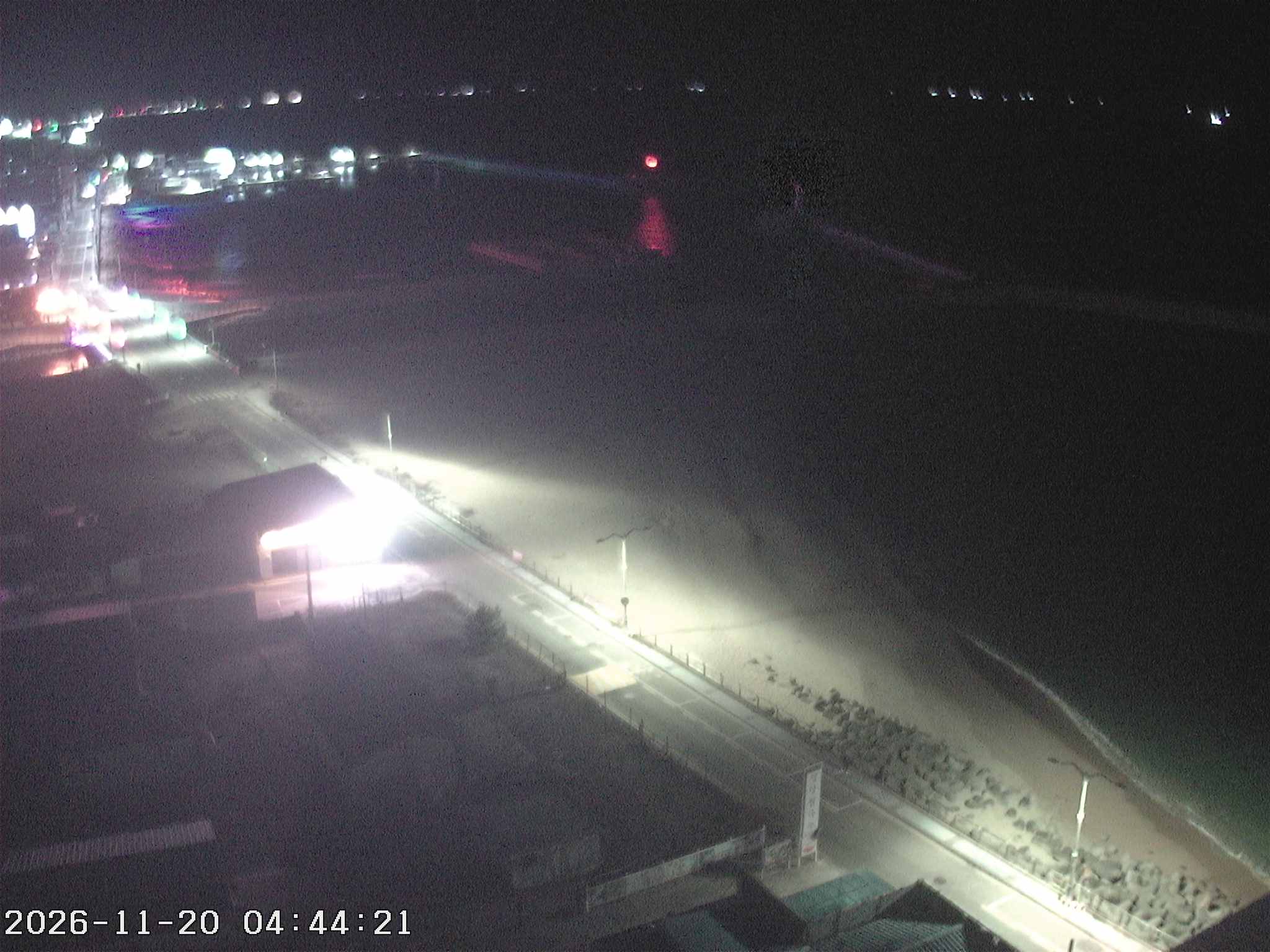
A sea walk around Jangsa Harbor in Sokcho. Use the view to check the sea and sky before you set out.
Where can I view this camera?
Select the “장사” (Jangsa) item directly in the list of the Ministry of Oceans and Fisheries Coastal Portal (해양수산부 연안포털).
View official camera ↗What is the Jangsa Harbor shore like?
Jangsa is a shore around Jangsa Harbor in Jangsa-dong, Sokcho, Gangwon. Jangsa Harbor was designated a fishing-village settlement port in 2004, and the shore around the harbor is known as a place to snorkel and to walk by the sea.
According to the Korea Tourism Organization, it is open every day, free to use, has parking and has toilets. There is no designated swimming beach called Jangsa Beach, so there is no official opening period.
What makes this place worth visiting?
- A free sea walk, open every day
It is open every day, there is no charge, and it has a car park and toilets. It works well as a drive combined with a sea walk.
- Squid bare-hand catching festival
The Jangsa Harbor squid bare-hand catching festival has been held every year since 2002. Check the timing and conditions with Sokcho City before you leave.
- Food around the harbor
Raw-fish restaurant clusters and a live-fish market crowd around the harbor, so there are many restaurants serving fresh sashimi and seafood.
Who might enjoy a visit?
- Anyone checking before going
Open the view before a sea walk. If the sea and sky are visible, check how they look. It is not a designated swimming beach, so there is no opening, and the view alone cannot tell you wave heights or whether going in the water is possible, so check Sokcho City notices, weather warnings and on-site guidance as well.
- Visitors going with parents
With the raw-fish restaurant cluster and the live-fish market around the harbor, it is good to look around over a meal. Inquiries: +82 33-635-2003.
- Anyone planning to go in the water
It is not a designated swimming beach, so there is no opening, and safety and amenity information is thin. Decide on entering the water only after checking notices from the authorities, the day’s waves and wind, and weather warnings.
Practical information
| Address | 58 Jangsahanghaean-gil (Jangsa-dong), Sokcho, Gangwon Special Self-Governing Province |
|---|---|
| Inquiries | +82 33-635-2003 |
| Facilities | Open every day · free · parking available (spaces and fees unconfirmed) · toilets available |
| Swimming beach opening | Not applicable (not a designated swimming beach) |
Source: Korea Tourism Organization VisitKorea: Jangsa Harbor · Ministry of Oceans and Fisheries Coastal Portal
Hourly weather for this area
Forecast area: Gangwon
Loading hourly weather.
Frequently asked questions
Can I go into the water?
The Jangsa Harbor area is not a designated swimming beach, so there is no opening. Decide on entering the water only after checking Sokcho City notices, the day’s waves and wind, and weather warnings. Do not enter the water where there are no lifeguards.
Source: Korea Meteorological Administration (Weather Nuri) warnings
How do I view the Jangsa Harbor camera?
Select the “장사” item directly in the Ministry of Oceans and Fisheries Coastal Portal list. A link does not select the camera automatically. If the photo has stopped, it may be under maintenance or affected by conditions on site, so check the original again after a while.
What about the car park and facilities?
According to the Korea Tourism Organization, it is open every day, free to use, and has parking and toilets. No confirmed figures for parking spaces and fees are available, so check with Sokcho City (+82 33-635-2003) before you leave.
Region and sources
- Region
- Gangwon · 강원특별자치도
- Original camera name
- 장사
- Media type
- Updating image
- Provider
- 해양수산부 연안포털
- Original source ID
- 87
- Coordinate source
- 장사 · Operator’s camera map
Coordinates are a reference location supplied by the official service. They do not establish the installation point or camera direction.
Before using this view
Availability and camera direction may change with the operator’s circumstances. A working link does not mean the video is currently playing. Check the original source for maintenance, delays and whether an image is stored rather than current.
The camera cannot establish whether hiking, swimming or a river visit is permitted. Check the operator’s closure notices and weather alerts together.
Where a preview image is available, it links directly to the operator’s original image without storing or copying it on our server. View video on the official page. The operator’s terms apply on external pages.